← Back to PrimeStream TV 4K Home
Everything you need to know about IPTV: how it works, the terms you’ll run into, whether it’s legal, and how to get started.
Quick answer: What is IPTV? IPTV (Internet Protocol Television) is a way of delivering live TV channels, movies, and series over a standard internet connection instead of satellite or cable lines. You watch it through an app or player on a Firestick, Smart TV, phone, or computer, using login details or an M3U playlist supplied by your provider.
What is IPTV and how does it work?
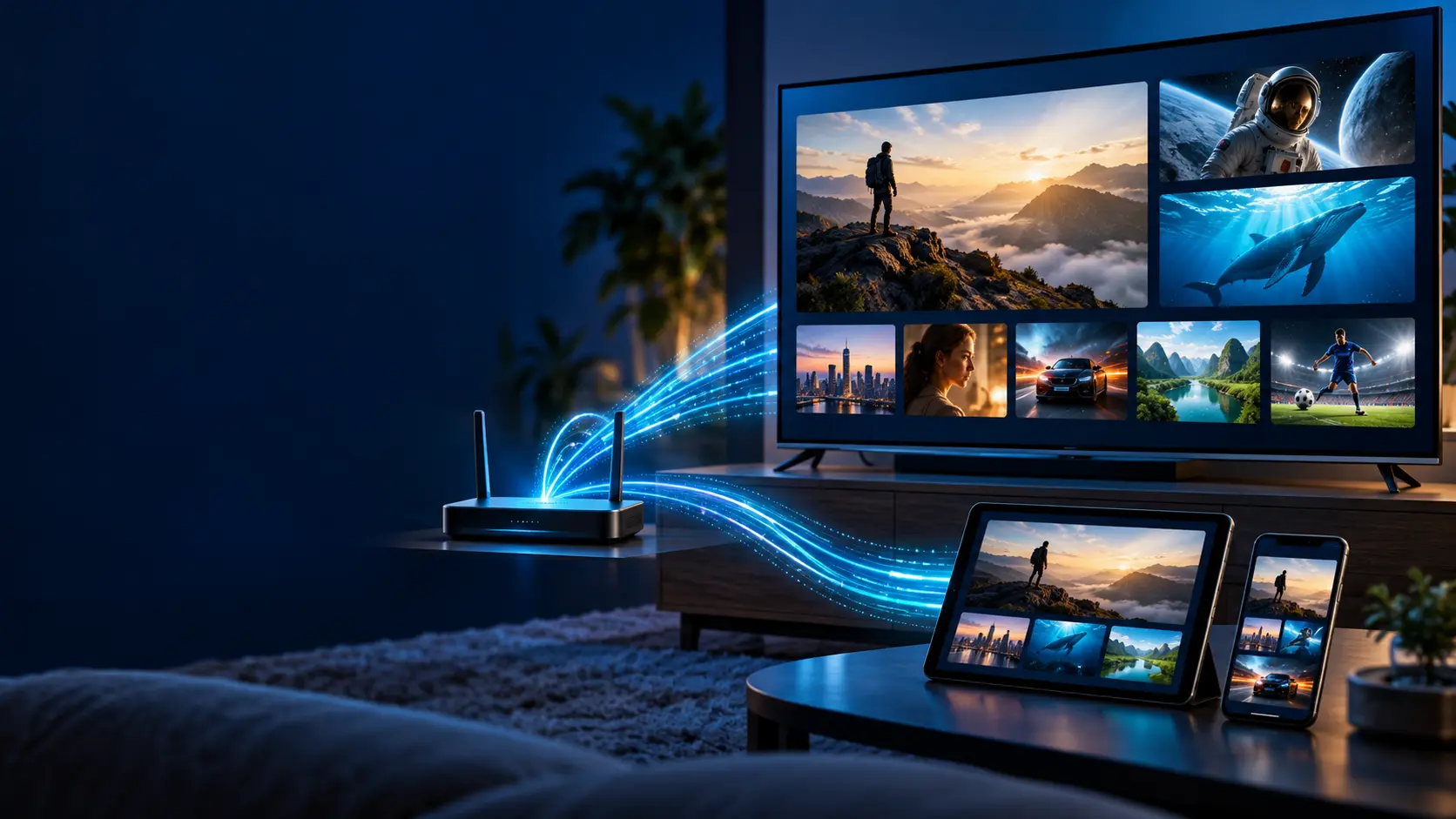
To answer what IPTV is, it helps to see how it actually reaches your screen. Instead of a satellite dish or a coaxial cable line, IPTV (Internet Protocol Television) sends video data as packets over the internet, the same way a website or a video call does. A dedicated player app on your device requests the channel or video you want, and the server streams it back in real time.
This is why answering what IPTV is always comes back to one core idea: it turns your existing internet connection into a full television delivery system, with no separate wiring or hardware installation required.
Key terms behind what IPTV is
A few terms come up constantly once you start exploring what IPTV is and how providers describe it. Knowing them makes the rest of this guide, and any setup guide you follow, much easier to understand:
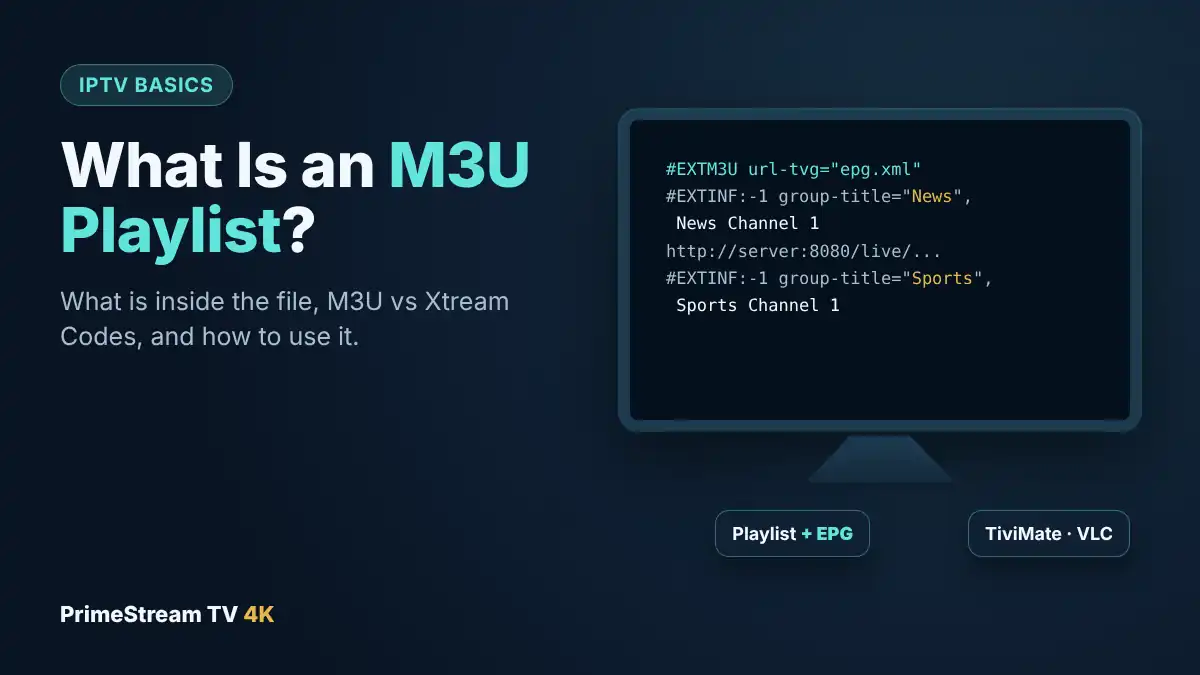
- M3U playlist: a text file containing the list of channels and streams your IPTV player loads. Most providers issue an M3U link instead of individual channel logins. Our guide to the M3U playlist explains it in detail.
- Xtream Codes: a login method (server URL, username, password) used by most modern IPTV players instead of an M3U link.
- EPG (Electronic Program Guide): the on-screen TV schedule showing what’s airing now and next on each channel.
- VOD (Video on Demand): the on-demand movie and series library included alongside live channels.
- Buffering: a pause in playback while your device waits for more data — usually a sign of a slow or unstable internet connection.
- MAG box: a dedicated IPTV set-top box that connects via a portal URL rather than an app.
Is IPTV legal?
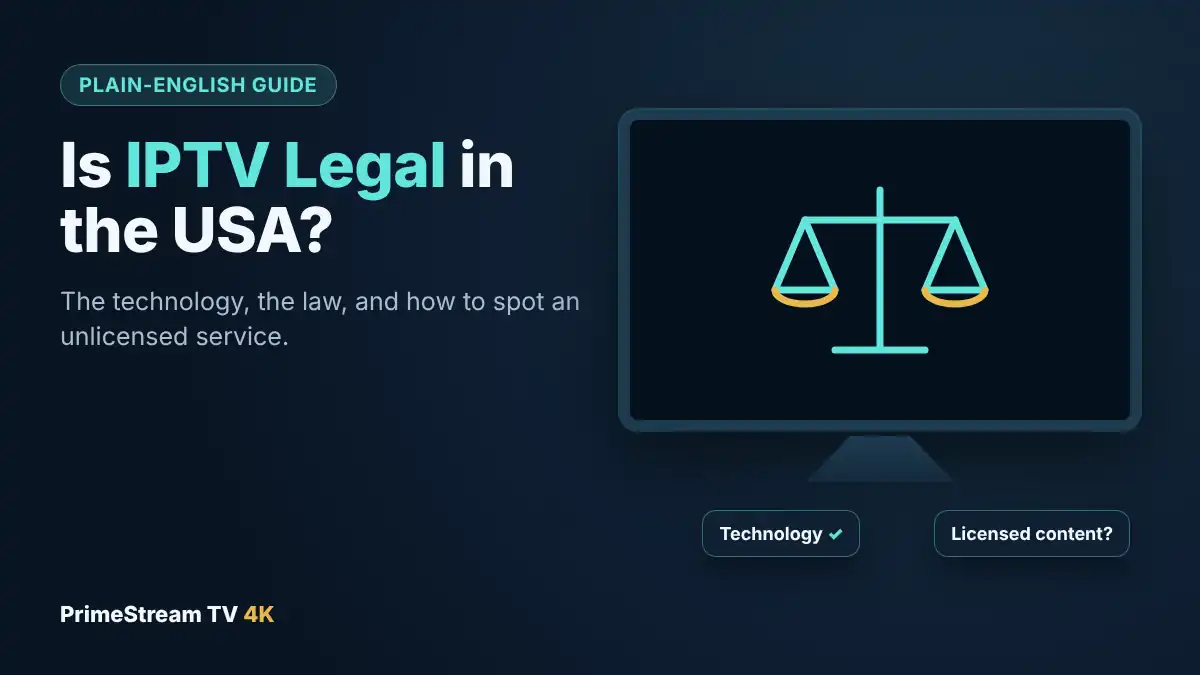
IPTV itself is simply a delivery technology, the same way Wi-Fi or 4K resolution is a technology — it is not illegal by definition. What matters legally is whether the specific service holds proper licensing for the channels and content it distributes. A licensed IPTV provider works exactly like a licensed cable or satellite provider, just delivered over the internet. Always use IPTV only to access content you’re authorized to view, and review a provider’s terms and conditions before subscribing.
What are the types of IPTV services?
Not every IPTV service is built the same way. The three common types are:
- Live IPTV: real-time streaming of live TV channels — news, sports, entertainment — exactly like traditional broadcast.
- VOD IPTV: on-demand movies and series you start whenever you want, similar to a streaming library.
- Hybrid IPTV: the most common setup today, combining live channels and a VOD library in one subscription — this is what most providers, including PrimeStream TV 4K, offer.
How to get started with IPTV
Now that you know what IPTV is, getting started takes just a few steps:
- Choose a reliable provider and a subscription plan that matches your number of devices.
- Install a compatible player app on your device — see our full device setup guides for Firestick, Smart TV, Android, iOS, and more.
- Enter the Xtream Codes login or M3U playlist details supplied after activation.
- Let the channel list and EPG load, then test a few categories from the channel list before relying on it daily.
If you’re still weighing IPTV against your current setup, our full IPTV vs Cable TV comparison breaks down cost, contracts, and channel count side by side.
Ready to try IPTV yourself?
Start a 24-hour free trial with 55,000+ live channels and 190,000+ movies and series in HD and 4K.
Frequently asked questions about what IPTV is
What is IPTV in simple terms?
IPTV is television delivered over the internet instead of satellite or cable. You watch it through a player app on a device like a Firestick, Smart TV, or phone, using login details from your provider.
What internet speed do I need for IPTV?
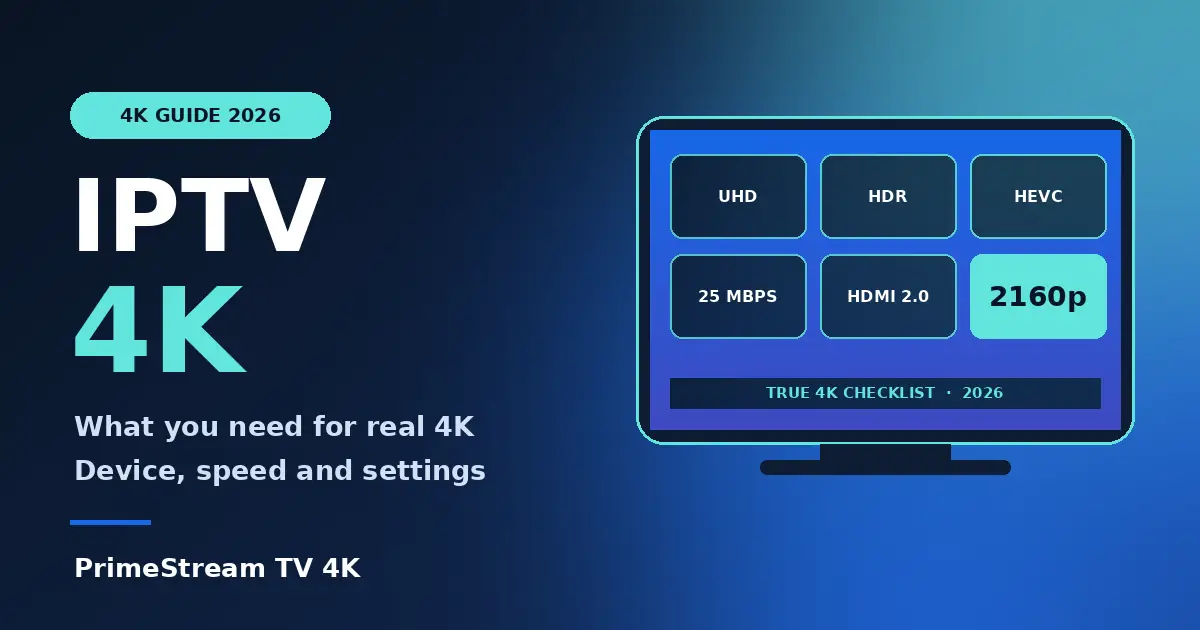
A stable connection of 10–15 Mbps is enough for HD, and around 25 Mbps for smooth 4K playback. Wired Ethernet or 5GHz Wi-Fi gives the most consistent results.
What’s the difference between an M3U link and Xtream Codes?
Both deliver the same channels, but Xtream Codes uses a server URL, username, and password, while M3U uses a single playlist link. Most modern players support both.
Do I need a special box to use IPTV?
No. IPTV works on devices you likely already own — Firestick, Android TV, Samsung and LG Smart TVs, iPhone, iPad, Apple TV, Windows, and Mac — through a dedicated player app.
Is IPTV better than traditional cable?
For most households, IPTV offers more channels and on-demand content for a lower monthly cost with no contract. See our full IPTV vs Cable TV comparison for the complete breakdown.
Can IPTV replace all my streaming subscriptions?
A hybrid IPTV subscription that includes live channels and a large VOD library can replace most of what cable and several streaming apps offer separately, though content availability varies by provider.
Now that you fully understand what IPTV is and how it works, the next step is picking a device and following the matching setup guide.