1. What Is an IPTV Player?
An IPTV player is the app you use to watch an IPTV subscription. Think of it like a DVD player: the player reads the content, but the content itself comes from somewhere else. In this case, it comes from your IPTV provider, who sends you a login.
That login usually comes in one of two formats:
- Xtream Codes: a server address, a username and a password. The player loads live channels, the TV guide (EPG) and the movie and series library automatically. This is the easiest option.
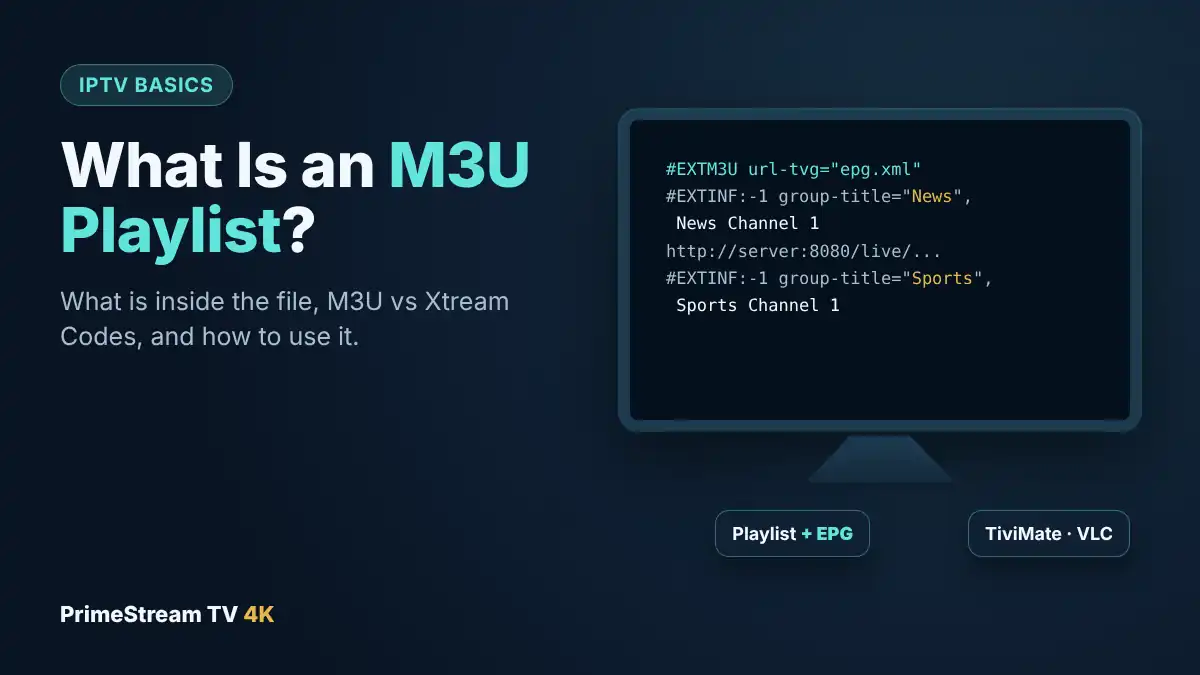
- M3U playlist: a single link that lists all the channels. Some players need a separate EPG link to show the TV guide. See our M3U playlist guide.
Some TV players, such as IBO Player and Smart IPTV, use a third method: the app shows a MAC address, and the provider links your playlist to that address. Whatever the method, the app is only the “remote control and screen” for your subscription. If you are new to the technology, our guide to what IPTV is explains how live channels reach your TV.
This is why the same subscription can work in many different players. You can try several and keep the one you like, without changing your service.
2. Best IPTV Player by Device
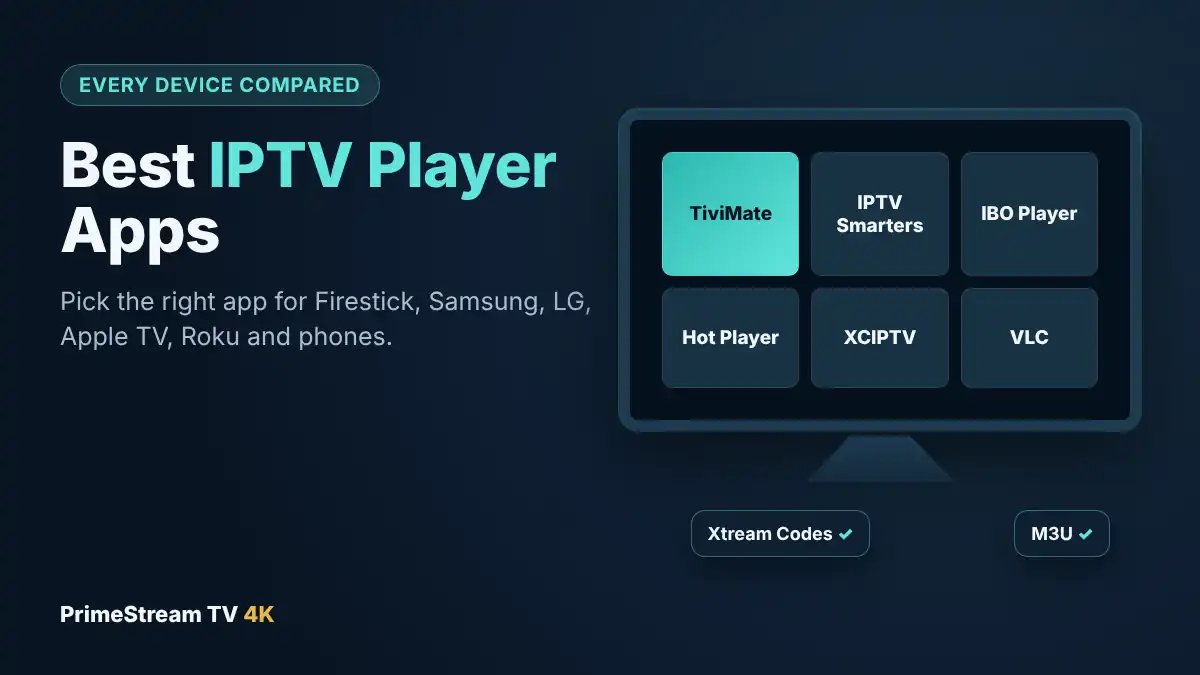
The single most important factor when picking a player is the device you watch on, because no app runs everywhere. Here is our short list:
| Device | Our pick | Good alternatives |
|---|---|---|
| Fire TV Stick and Fire TV Cube | TiviMate | IPTV Smarters Pro, XCIPTV |
| Android TV and Google TV | TiviMate | IPTV Smarters Pro, XCIPTV, IBO Player |
| Samsung smart TV (Tizen) | IBO Player | Hot IPTV, Smart IPTV |
| LG smart TV (webOS) | IBO Player | Hot IPTV, Smart IPTV |
| iPhone, iPad and Apple TV | Hot Player | IBO Pro Player |
| Android phone or tablet | IPTV Smarters Pro | XCIPTV, IBO Player |
| Roku | Hot Player | Plug in a Fire TV Stick |
| Windows PC and Mac | Hot Player or IBO Player Pro | VLC for a quick test |
| Formuler box | MYTVOnline | TiviMate |
Each app below has its own setup guide on our site, and the full list of official store links is on our IPTV apps page.
3. TiviMate: The Best IPTV Player for Firestick and Android TV
TiviMate is the most popular player on Android-based TV devices, and for good reason. It turns your subscription into a cable-style TV guide, with channels in a grid, what is on now and next, and quick switching with the remote.
- Devices: Fire TV, Android TV, Google TV, NVIDIA Shield, Formuler. Not available on Samsung, LG, Roku or Apple devices.
- Price: free with one playlist; TiviMate Premium, bought from the developer, adds multiple playlists, recording and multi-view.
- Best for: people switching from cable who want a familiar guide, and sports fans who want catch-up and multi-view.
- Watch out for: it is not in the Amazon Appstore, so on Fire TV you install it with the Downloader app. Never install “modded” copies.
Our step-by-step TiviMate setup guide covers installation, the TV guide and the best settings for live sport.
4. IPTV Smarters Pro: Best IPTV Player for Beginners
IPTV Smarters Pro is one of the best-known IPTV player apps. Its menus split content into Live TV, Movies and Series, which makes it easy for first-time users to find their way around.
- Devices: Android phones and tablets, Android TV and Fire TV, with versions for other platforms.
- Price: free.
- Best for: beginners, phones and tablets, and households where several people use different devices.
- Watch out for: the TV guide is less detailed than TiviMate’s, and login errors such as “failed to authorize” are common when a detail is typed wrong.
Read our IPTV Smarters Pro guide for setup, and our fix list for the “failed to authorize” error if your login is not accepted.
5. IBO Player and IBO Pro Player: Best for Samsung and LG TVs
IBO Player is the player we recommend most often for smart TVs, because it is available directly in the Samsung and LG app stores. That means you do not need any extra device: install the app, and you are ready to go.
- Devices: Samsung, LG, Android TV and more; IBO Pro Player is the version for iPhone, iPad and Apple TV, and IBO Player Pro is available for Windows.
- How it works: the app shows a MAC address and device key. Your provider adds your playlist to that MAC address.
- Price: a free trial period, then a paid activation. With our paid plans, the player license is included: send us the MAC address and we activate it for you.
- Best for: anyone who wants to watch IPTV directly on a Samsung or LG TV.
Follow our IBO Player activation and setup guide for screenshots of each step.
6. Hot IPTV and Hot Player: Best IPTV Player for Apple and Roku
Hot IPTV (on smart TVs) and Hot Player (on Apple devices, Roku and Windows) come from the same family of apps. They use the same MAC-address activation idea as IBO Player and have a clean, modern interface.
- Devices: Samsung and LG TVs (Hot IPTV), iPhone, iPad, Apple TV, Roku and Windows (Hot Player).
- Price: trial, then a paid activation, included with our paid plans.
- Best for: Apple households and Roku owners, where the choice of players is small.
Because Roku and Apple only allow apps from their own stores, Hot Player is one of the few practical choices there. On a Roku TV, plugging in a Fire TV Stick is still the way to get TiviMate; our IPTV on Roku guide covers both options.
7. XCIPTV: Free Alternative for Android and Fire TV
XCIPTV is a free player built around Xtream Codes logins. It loads live TV, movies and series from one login and has a simple TV guide.
- Devices: Android phones, Android TV and Fire TV.
- Price: free.
- Best for: people who want something lighter than TiviMate, or a free backup player on the same device.
Our XCIPTV setup guide shows how to add your login in a couple of minutes.
8. Smart IPTV: For Older Samsung and LG TVs
Smart IPTV is one of the oldest IPTV player apps for smart TVs. You install the app, note the MAC address it shows, and the playlist is added to that address through the developer’s website.
- Devices: Samsung, LG and some other smart TVs.
- Price: a one-time activation per TV after a short trial.
- Best for: older TVs where IBO Player is not available.
- Watch out for: it supports M3U playlists only, and it has no built-in movie and series library like Xtream-based players.
Step-by-step instructions are in our Smart IPTV guide for Samsung and LG.
9. MYTVOnline: The Formuler IPTV Player
MYTVOnline is the app built into Formuler boxes. It is designed for live TV first, with a fast guide, channel groups and a remote that feels like a cable remote. It is only available on Formuler devices, but because those boxes run Android, you can still install TiviMate or IPTV Smarters Pro alongside it.
See our Formuler MYTVOnline guide, and if you are still choosing hardware, our guide to the best IPTV box compares Formuler with Google TV, NVIDIA Shield and Fire TV devices.
10. VLC and Kodi: Free IPTV Player Options
VLC
VLC media player is free, open source and available on Windows, Mac, Linux, Android and iPhone. It can open an M3U playlist, which makes it a handy way to test whether a link works. It is not built for everyday live TV, though: it has no proper TV guide, no favorites grid and no movie library view.
Kodi
Kodi is a free media center that can play IPTV with its official PVR IPTV Simple Client add-on, which supports M3U playlists and EPG links. It is very flexible but takes more time to set up than a dedicated player app. Only install add-ons from the official Kodi repository; unofficial “builds” are a common source of malware and unlicensed streams.
11. Player Comparison Table
| Player | Login type | TV guide | Movies and series | Cost |
|---|---|---|---|---|
| TiviMate | Xtream Codes, M3U | Excellent grid | Yes | Free, optional Premium |
| IPTV Smarters Pro | Xtream Codes, M3U | Basic | Yes | Free |
| IBO Player | MAC activation | Good | Yes | Included with our plans |
| Hot IPTV / Hot Player | MAC activation | Good | Yes | Included with our plans |
| XCIPTV | Xtream Codes | Basic | Yes | Free |
| Smart IPTV | M3U via MAC | Basic | No | One-time activation |
| MYTVOnline | Xtream Codes, M3U, portal | Very good | Yes | Included with Formuler |
| VLC | M3U | No | No | Free |
| Kodi + PVR IPTV Simple Client | M3U | Yes, with EPG link | Limited | Free |
Developers change features and prices from time to time, so check the current details in each app store before you pay for an activation yourself.
12. How to Choose an IPTV Player App
If two or three players run on your device, these questions decide which app suits you best:
- Do you want a cable-style guide? Choose TiviMate on Android devices, or MYTVOnline on Formuler.
- Is the app on your TV’s own store? On Samsung and LG, IBO Player or Hot IPTV avoids buying extra hardware.
- Who will use it? For children, grandparents or anyone new to IPTV, a simple layout such as IPTV Smarters Pro is easier.
- Do you need recording or multi-view? TiviMate Premium on a device with USB storage is the strongest choice.
- Which login do you have? Xtream Codes works in most players and loads the guide and library automatically. M3U-only players such as Smart IPTV and VLC show less.
- Do you watch on several devices? Your login works in every compatible app, but each screen watching at the same time needs its own connection on your plan.
Still unsure? Start with the “best” pick for your device in the table above. Most people stay with it. You can compare connection counts on our IPTV plans page; plans start at $14 a month for one device.
13. Free vs Paid Players and Staying Safe
Many IPTV player apps are free, while others charge for activation after a trial. Paying for a player does not give you channels: the activation only unlocks the app. With PrimeStream TV 4K, the player license is included with paid plans, so you do not need to buy it separately.
A few simple rules keep your devices safe:
- Use official stores. Install players from Google Play, the Amazon Appstore, the Samsung and LG stores or the Apple App Store, or from the developer’s official link for TiviMate on Fire TV.
- Avoid “modded” or “cracked” apps. They are a common way to spread malware on streaming devices.
- Never use public playlists. Free lists shared online usually stop working within days and often contain unlicensed content.
- Protect your login. Treat your Xtream Codes details like a password and do not share them.
Your smart TV is not on the list or you want more choice of apps? Our IPTV Smart TV guide explains the options for every brand.
14. Frequently Asked Questions
What is the best IPTV player?
It depends on your device: TiviMate on Firestick and Android TV, IBO Player or Hot IPTV on Samsung and LG TVs, Hot Player or IBO Pro Player on iPhone, iPad and Apple TV, and IPTV Smarters Pro on Android phones.
Does an IPTV player include channels?
No. A player is only an app. The channels come from your IPTV subscription, which you add to the player as an Xtream Codes login, M3U playlist or MAC activation.
Is there a free IPTV player?
Yes. TiviMate (basic version), IPTV Smarters Pro, XCIPTV, VLC and Kodi are free. Players such as IBO Player and Hot IPTV need a paid activation after a trial, which is included with our paid plans.
What is the best IPTV player for Samsung and LG TVs?
IBO Player is our first choice on Samsung and LG smart TVs because it is in the TV’s own app store. Hot IPTV and Smart IPTV are good alternatives.
What is the best IPTV player for iPhone and Apple TV?
Hot Player and IBO Pro Player, both available in the Apple App Store, work well on iPhone, iPad and Apple TV.
Can I use the same login in several IPTV players?
Yes. An Xtream Codes or M3U login works in any compatible player, but each screen watching at the same time needs its own connection on your plan.
Why does my player say “failed to authorize”?
Usually a detail in the server address, username or password is wrong, or the subscription has expired. Re-enter the login exactly as sent, including http:// and the port.
Can I test a player before subscribing?
Yes. Our free 24-hour trial includes a login that works in the players in this guide, and our team helps with setup on WhatsApp 24/7.
15. Conclusion
The best IPTV player is the one built for your device: TiviMate on Fire TV and Android TV, IBO Player or Hot IPTV on Samsung and LG, Hot Player or IBO Pro Player on Apple devices, and IPTV Smarters Pro on Android phones. Install it from an official store, add your Xtream Codes login and set up your favorites, and it will feel like cable within a day. Ready to try? Request your free 24-hour trial, test your favorite player with a live game at peak time, then choose one of our IPTV plans with the player license included.