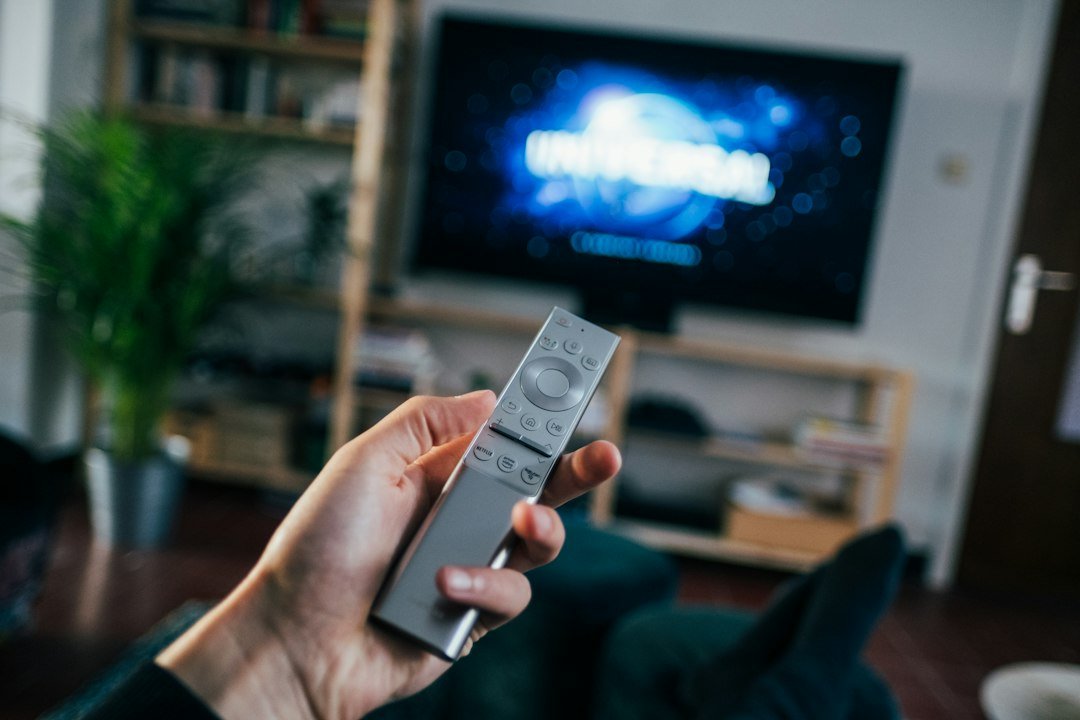
1. Does IPTV Work on Firestick?
Yes. The Amazon Fire TV Stick runs Android-based software, so it can run the same IPTV player apps as an Android TV box. The Firestick is only the device; the channels come from your subscription, and the player app is what displays them. If you are new to the technology, our guide on what IPTV is explains how live channels reach your screen over the internet.
That is also why the Firestick is the most popular way to watch IPTV: it is cheap, plugs into the HDMI port of any TV and needs no engineer. You do not need a new TV or a set-top box.
2. Which Firestick Models Work Best
Every current Fire TV Stick can run IPTV players, but the model decides how sharp and smooth the picture is:
| Use case | Recommended | Internet speed |
|---|---|---|
| HD channels on one TV | Any Fire TV Stick (Lite, HD or 4K) | 10 Mbps or more |
| 4K-ready channels and movies | Fire TV Stick 4K or 4K Max | 25 Mbps or more |
| Busy home with several screens | 4K model plus wired Ethernet adapter where supported | 25 Mbps or more for the whole household |
Comparing a Firestick with other devices? Our guide to the best IPTV box covers Google TV, NVIDIA Shield, Formuler and the new Vega OS sticks that cannot install most IPTV players.
If your Firestick feels slow, restart it and clear space by removing apps you no longer use. Low storage is a common cause of sluggish IPTV players.
3. Best IPTV Players for Firestick Compared
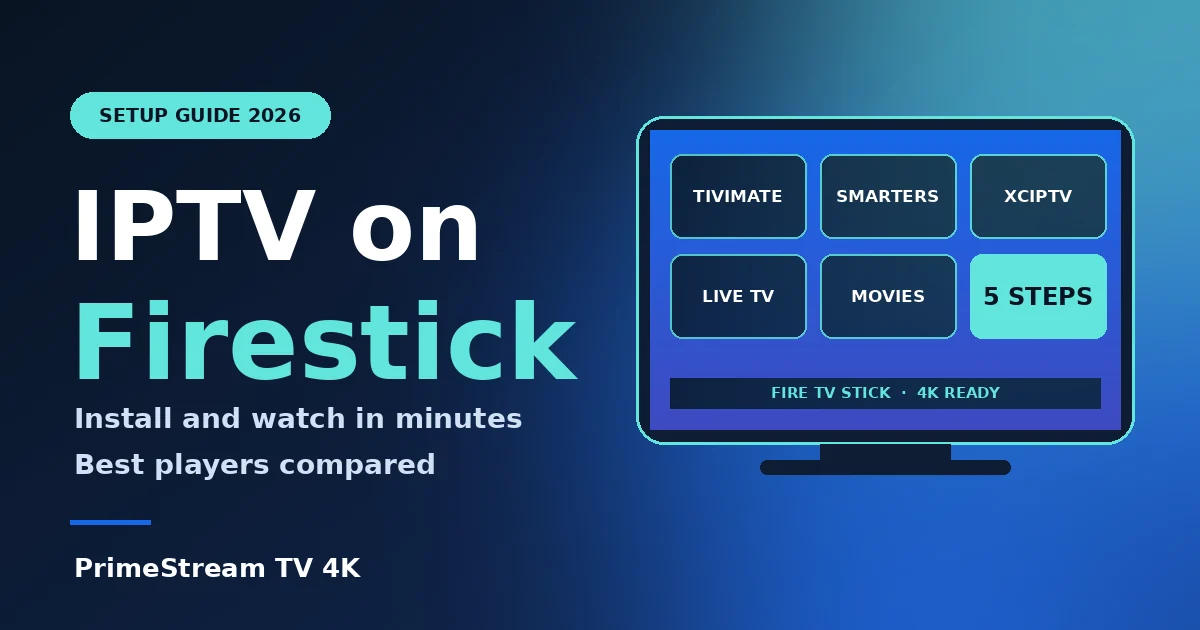
You need a player app because an IPTV subscription is only a playlist or login. These three are the most used on Fire TV, and each has a step-by-step guide on our site:
| Player | Best for | Guide |
|---|---|---|
| TiviMate | A cable-style program guide (EPG) and a clean layout | TiviMate setup guide |
| IPTV Smarters Pro | Beginners, simple Xtream Codes login, many device types | IPTV Smarters Pro guide |
| XCIPTV | Flexible settings and playlist options on Android-based devices | XCIPTV setup guide |
Our pick for most people is TiviMate if you want a polished guide, and IPTV Smarters Pro if you want the quickest start. You can install more than one and keep the one you prefer. Player apps are free to try, but some extras may need a paid upgrade, so check the app before you rely on a feature.
4. 5 Steps to Set Up IPTV on Firestick
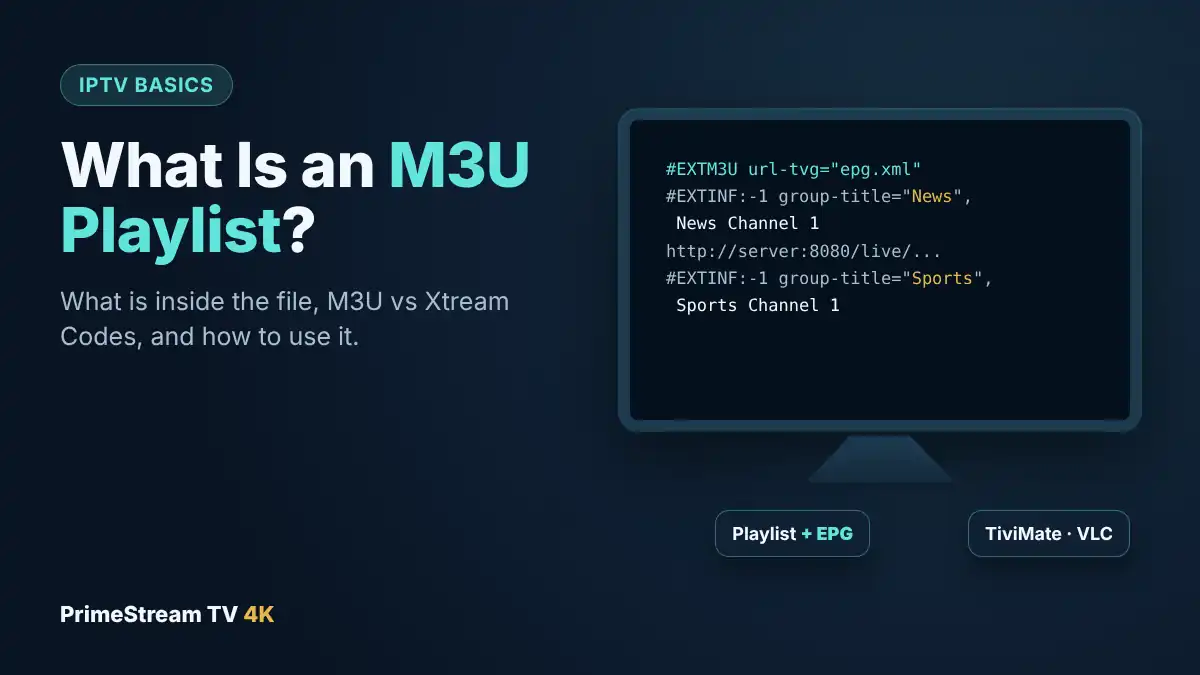
- Get your login details. Your provider sends either an M3U playlist link or an Xtream Codes login (server address, username and password). If you do not have a subscription yet, request a free 24-hour trial first.
- Allow app installs. On your Firestick open Settings, then My Fire TV, then Developer Options. If you do not see it, open About and select the device name seven times. Turn on the option to install unknown apps for the Downloader app.
- Install your player. Pick TiviMate, IPTV Smarters Pro or XCIPTV and follow its guide linked above for the exact install route on Fire TV.
- Add your playlist. Open the player, choose to add a playlist, then enter the M3U link or Xtream Codes details exactly as supplied, without extra spaces.
- Load the guide and test. Wait for channels and the program guide (EPG) to load, then open a few channels and a movie to confirm everything plays.
Prefer a different device? Our setup guides also cover Samsung and LG televisions, including IPTV on LG TV.
5. 6 Tips for Smooth Playback
- Use Ethernet where possible. A wired connection beats Wi-Fi for live sport at peak time.
- Keep the Firestick cool and powered properly. Plug it into the wall adapter, not a weak TV USB port.
- Restart weekly. A quick restart clears cached connections and memory.
- Close other streams. Several devices streaming at once can starve your IPTV picture.
- Keep apps updated. Updated players fix bugs and playlist issues.
- Test at peak time. Evening sport is the real stress test, as explained in our 24-hour IPTV free trial checklist.
6. Is IPTV on Firestick Legal?
The technology is legal: IPTV simply delivers television over the internet, and the Firestick is a normal streaming device. What matters is whether the service is properly licensed for the content it provides. Rules differ between countries, so read a provider’s terms before you subscribe and be careful with unverified free playlists, which are unstable and can carry security risks. Our IPTV provider checklist explains what to check, and we are not a law firm, so seek local advice if you are unsure.
7. IPTV Firestick Not Working: Quick Fixes
- Buffering. Switch to Ethernet, restart the router and the Firestick, and close other streams.
- Login or authorization error. Re-enter the details carefully; see our fix list for IPTV Smarters failed to authorize.
- No channels or empty guide. Reload the playlist and EPG in the player settings, or remove and add the playlist again.
- Channels blocked or not loading. Check your date and time settings first, then contact support with your player name and model.
- App crashes. Free some storage, update the app or reinstall it.
8. Frequently Asked Questions
Can IPTV work on Firestick?
Yes. A Fire TV Stick can run IPTV player apps such as TiviMate, IPTV Smarters Pro and XCIPTV. You add your provider’s playlist or login and watch live channels and on-demand titles.
Do Firesticks still work for IPTV?
Yes. Firesticks remain one of the easiest and cheapest ways to watch IPTV. Choose a current model and keep your player app updated for the best results.
Which Firestick is best for IPTV?
A Fire TV Stick 4K or 4K Max is best for 4K-ready channels and busy homes. Any model works for HD viewing.
What is the best IPTV app for Firestick?
TiviMate is popular for its program guide, and IPTV Smarters Pro is popular for simple setup. XCIPTV is a flexible alternative.
Is IPTV on Firestick legal?
IPTV technology is legal, but the service must be licensed for its content, and rules vary by country. Read your provider’s terms and avoid unverified free playlists.
How much internet speed do I need?
About 10 Mbps for one HD stream and 25 Mbps or more for 4K or several devices.
Can I try IPTV on my Firestick before paying?
Yes. Request our free 24-hour trial on one device, then compare plans if you like it.
9. Conclusion
Setting up IPTV on Firestick takes about ten minutes: choose a player, allow app installs, add your playlist and test at peak time. Pick a 4K model if you want 4K channels (see our IPTV 4K guide), use Ethernet for stability and test before you commit. Ready to start? Request your free 24-hour trial and run it on your own Firestick, then read our IPTV subscription guide or IPTV service overview when you choose a plan, or compare it with cable in IPTV vs cable TV.