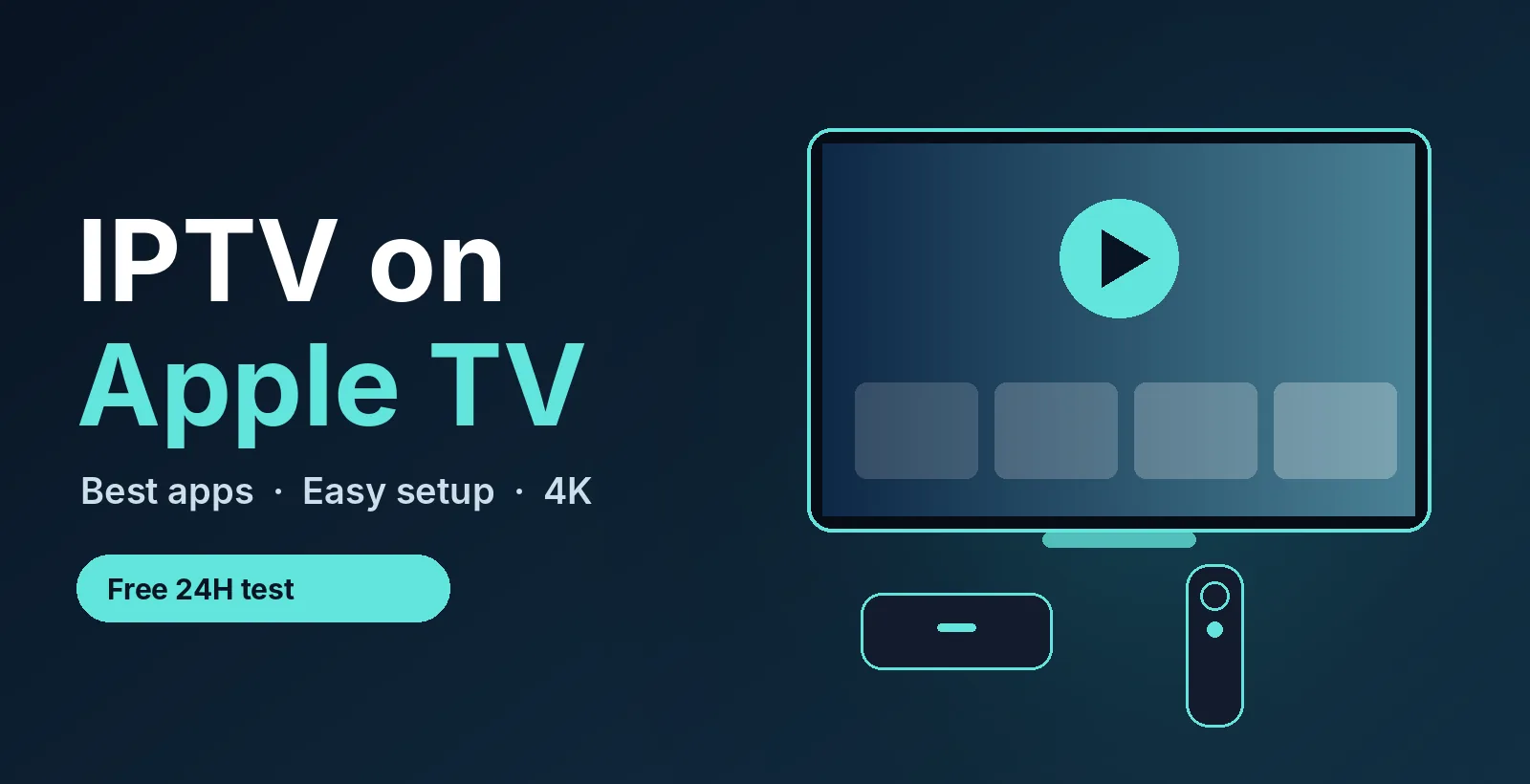
Got an Apple TV? Test live TV on it free for 24 hours. No credit card. See plans from $14/month →
1. What You Need to Watch IPTV on Apple TV
An Apple TV does not come with an IPTV player, and it cannot install apps from outside the App Store. That is good news for safety, because every app you can add has passed Apple’s review. To get live TV on it, you need three things:
- An Apple TV HD or Apple TV 4K running a current version of tvOS.
- An IPTV player app from the App Store, because the app only plays what you give it.
- A subscription login from your provider: either Xtream Codes details (server address, username, password) or an M3U playlist link.
If you do not have a subscription yet, you can request a free 24-hour trial and test on your own Apple TV first. Our IPTV free trial checklist shows what to check during the test.
2. Best IPTV Apps for Apple TV Compared
These five players are the ones people most often recommend for Apple TV. Features change with each update, so check the App Store listing before you install.
| App | Known for | Good fit if you want |
|---|---|---|
| IPTVX | Apple-style interface, iCloud sync, poster-style movie and series pages, EPG support | A polished look that feels native to Apple TV |
| UHF | Stable playback, cable-style navigation, cross-device sync, optional recording features | A reliable, familiar channel-surfing experience |
| Perfect IPTV Player | Broad format support: M3U, XSPF, XMLTV guide and Xtream Codes, plus iCloud sync | The widest choice of login formats |
| VU IPTV Player | Fast channel zapping, M3U, Xtream Codes and Stalker Portal support, parental controls | Quick channel changes and family controls |
| IPTV Smarters Player Lite | Simple Xtream Codes or M3U login that is easy to follow | The most straightforward setup |
Whichever you pick, these apps are only players. They do not include channels. Want to see how they compare on other devices? Read our best IPTV player apps guide, or the TiviMate guide if you also use an Android box.
3. How to Set Up IPTV on Apple TV
- Open the App Store on your Apple TV and search for the player you picked, for example IPTVX or UHF.
- Download and open the app. Choose to add a playlist or a new provider.
- Enter your login. Type the Xtream Codes server address, username and password, or paste your M3U link. Typing is easier with the Remote app on your iPhone or a Bluetooth keyboard.
- Wait for channels and the guide to load. A large list can take a minute the first time.
- Add favorites and test. Star your top channels, open a live channel and a movie, and check that the guide matches the time.
If the app shows an error at this step, our guides on IPTV M3U not working and Smarters failed to authorize cover the usual causes.
Need a login to try? Tell us you use Apple TV and we send a free 24-hour trial in the right format.
4. Xtream Codes or M3U: Which Login to Use
Most Apple TV apps accept both. They differ in how much the app can show you:
| Login type | What you enter | Best for |
|---|---|---|
| Xtream Codes | Server address, username and password | Live TV, movies, series and guide in one place |
| M3U link | One long playlist URL | Simple setups and apps with no Xtream option |
If you can choose, Xtream Codes is usually easier to type and keeps the guide in sync. Learn more in our M3U playlist guide.
5. How to Choose the Right IPTV App for Apple TV
Use this short checklist when comparing the best IPTV app for Apple TV:
- Login support: does it take your Xtream Codes or M3U details?
- TV guide: does the EPG load and show the right times?
- Speed: how fast does it switch channels with the Siri Remote?
- Sync: do favorites follow you to your iPhone or iPad?
- Cost: check whether features sit behind a subscription or a one-time purchase.
Apple TV is a premium device, but it is not the only one that works. If you also own other screens, see best IPTV for Firestick, IPTV on Roku and the best IPTV box comparison.
6. Speed and Picture Quality
Apple TV 4K can play 4K streams, but only if your connection keeps up. Plan on about 10 Mbps for HD, 15 Mbps for Full HD and 25 to 35 Mbps for 4K on each screen. Where your model has an Ethernet port, a cable is steadier than Wi-Fi, especially during live sports (see our football IPTV game-day guide for football Sundays). Otherwise use a strong 5 GHz connection. The IPTV 4K guide explains how to check your speed and pick quality levels, and Apple’s own Apple TV support pages cover network settings.
7. Fixes for Common Problems
- Playlist will not load: re-type the login, check for extra spaces and confirm your subscription is active.
- No TV guide: refresh the playlist in the app and check the date and time on your Apple TV.
- Buffering: restart the Apple TV and router, close other downloads and try an HD version of the channel.
- App crashes: update tvOS and the app, then reinstall it if needed.
For a longer list, follow IPTV not working: 7 fixes.
8. IPTV on iPhone and iPad
Many of the same apps also run on iPhone and iPad (see IPTV on iPhone for the setup), and some sync your playlist through iCloud so you set it up once. If an app has no Apple TV version, you can still watch on your phone and send it to the TV with AirPlay. The picture quality and delay can be worse than a native Apple TV app, so use it as a backup. Our IPTV on Smart TV page covers other screens in the house.
9. Is IPTV on Apple TV Legal and Safe?
An IPTV player app is a normal media player. Whether a service is legal depends on how it licenses its content, so use only providers you trust and read our plain-English IPTV legality guide. Apple TV only installs apps from the App Store, which keeps the player itself safer than sideloaded files. This is general information, not legal advice.
Prefer a simple free player on Apple TV? Our Smarters Player Lite guide shows how to spot the real app and log in.
10. Frequently Asked Questions
What is the best IPTV app for Apple TV?
There is no single winner. IPTVX, UHF, Perfect IPTV Player, VU IPTV Player and IPTV Smarters Player Lite are popular. Pick the one that supports your login type, loads the guide correctly and feels fast with the Siri Remote.
Can you get IPTV on Apple TV?
Yes. Install an IPTV player from the App Store, then add your Xtream Codes details or M3U link from your provider.
Do I need a VPN or sideloading to use IPTV on Apple TV?
No. You install the player from the App Store and sign in with your subscription login. There is nothing to sideload.
Is there a free IPTV app for Apple TV?
Some players have free versions with limits, and others charge for full features. Check the App Store listing for current pricing. The channels still need a subscription or trial from a provider.
Why is my IPTV buffering on Apple TV?
The most common causes are weak Wi-Fi, a busy network or too high a quality level. Use Ethernet where available, close other downloads and try an HD version of the channel.
Can I use IPTV on Apple TV 4K in 4K?
Yes, if the channel offers a 4K version and your connection supplies about 25 to 35 Mbps for that screen.
How much does IPTV cost per month?
PrimeStream TV 4K plans start from $14/month for one device, with longer plans and plans for up to 5 devices on the plans page.
11. Conclusion
To pick the best IPTV app for Apple TV, match the app to your login type, test the guide and channel speed, and use a steady connection. Start your free 24-hour trial, then compare plans from $14/month. For an overview of the service, read the IPTV subscription guide, the IPTV channel list and best IPTV USA.
Ready to watch on your Apple TV? Free for 24 hours, no credit card.
Start your free 24h trial
No credit card. We reply with your trial login.