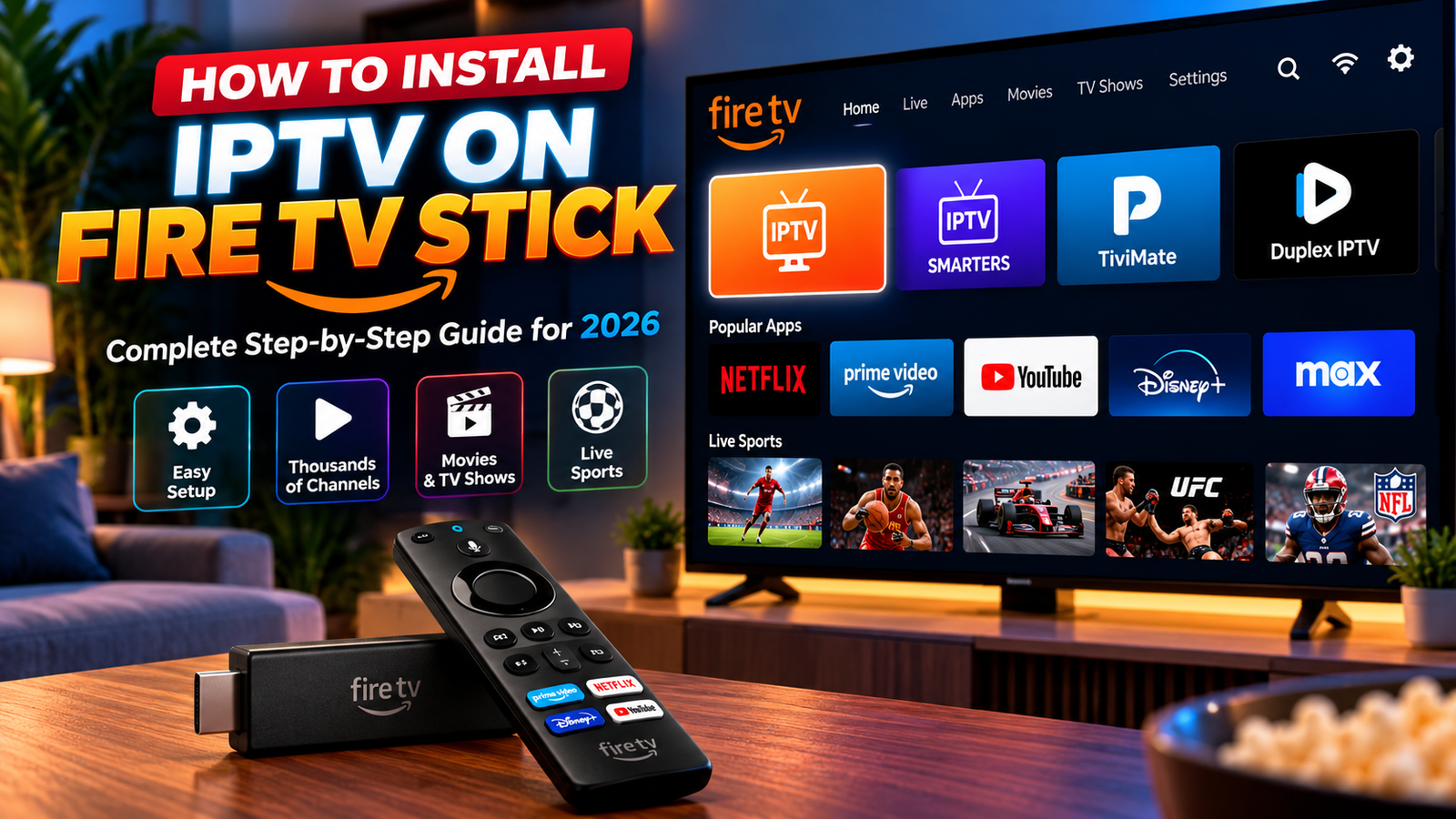
IPTV Smarters Firestick setup can be straightforward when you use a compatible app and an authorized playlist or login. This 2026 walkthrough explains installation, M3U versus Xtream Codes, playback settings, common errors and how to test before buying.
Try IPTV on your Firestick before choosing a plan. Check player compatibility and playback during a 24-hour trial.
Start 24H trial on WhatsAppNo WhatsApp? Request trial by formSee IPTV plans & prices
What is IPTV Smarters on Firestick?
Quick answer: IPTV Smarters is a media player that can organize authorized IPTV streams on compatible devices. On a Fire TV Stick, you install a compatible version of the app, enter an authorized provider’s playlist URL or Xtream-style login, and test playback. The player itself does not provide licensed channels or a subscription.
This guide focuses on IPTV Smarters setup, not a general Firestick comparison. For the broader process, see our IPTV on Firestick guide.
How to set up IPTV Smarters on Firestick in 7 steps
Step 1: Check your Fire TV model
Open Fire TV Settings and check the device model and Fire OS version. App compatibility varies by model, software version and region.
Step 2: Connect to reliable Wi-Fi
Complete Fire TV setup and install available system updates. Keep the stick well ventilated and use its recommended power supply.
Step 3: Find a legitimate IPTV Smarters app
Check the Amazon Appstore and the app developer’s official distribution channels. Availability can change. Do not assume similarly named third-party apps are authentic.
Step 4: Install and launch the player
Install the version intended for your device, open it and review permissions. Avoid unknown APK sites and links that request unrelated account credentials.
Step 5: Add your authorized account
Depending on the app version, choose an M3U playlist URL or an Xtream-style login. Carefully enter the server address, username and password provided by your licensed content source. Never share private login URLs in public screenshots. Learn about M3U playlists.
Step 6: Set up channels and the TV guide
Allow the playlist to load, confirm categories and favorites, and enable EPG if your provider supplies guide data. Check your time zone if program times look wrong.
Step 7: Test streams before paying
Check several authorized channels, audio sync, remote navigation and buffering during your usual viewing hours. Our IPTV free-trial checklist explains what to measure.
Try IPTV on your Firestick before choosing a plan. Check player compatibility and playback during a 24-hour trial.
Start 24H trial on WhatsAppNo WhatsApp? Request trial by formSee IPTV plans & prices
M3U vs Xtream Codes: which login should you use?
| Method | What you need | Best when |
|---|---|---|
| M3U URL | Playlist link | Your provider supplies a playlist URL |
| Xtream-style login | Server URL, username, password | Your provider supports account login |
These are different ways to supply a player with access details; neither method proves that a source is licensed. If an app rejects your details, check the selected login type first.
Best settings for smooth Firestick playback
Network: use a stable Wi-Fi signal, avoid congested channels and test your connection at peak times. Video: select a resolution your TV, device and connection can handle. EPG: check the source and time zone. Storage: leave free space for updates and cache.
For 4K playback requirements, see our IPTV 4K guide. For alternative players, read best IPTV player apps.
IPTV Smarters Firestick not working? 6 fixes
1. App is missing from the store
Check your country, Fire OS version and official app availability. Avoid unsafe download mirrors.
2. Login fails
Verify the server address, capitalization, account status and whether the app expects M3U or Xtream-style credentials.
3. Playlist is empty
Confirm the playlist URL is active and authorized. If necessary, ask your provider to verify the source.
4. Channels buffer
Restart the player, test your Wi-Fi, close other bandwidth-heavy apps and compare another authorized stream.
5. EPG is blank
Refresh the guide, check the EPG source and correct the time zone.
6. Playback or remote navigation fails
Update the app if available, restart Fire TV and verify that the player version supports remote control navigation. See IPTV Smarters authorization fixes and M3U troubleshooting.
Quick symptom guide:
| Symptom | Likely cause | What to try |
|---|---|---|
| “Failed to authorize” or login error | Wrong login type, typo in server address, or inactive account | Re-enter details carefully; see authorization fixes |
| Empty channel list | Playlist URL expired or not loaded | Reload the playlist and check the link with your provider; see M3U troubleshooting |
| Constant buffering | Weak Wi-Fi, congested network or device limits | Move closer to the router, restart the stick, follow the 7 general IPTV fixes |
| Player feels slow or limited | Older stick or a player that does not suit you | Compare IPTV Smarters Pro, TiviMate or a dedicated IPTV box |
How much does IPTV Smarters on Firestick cost?
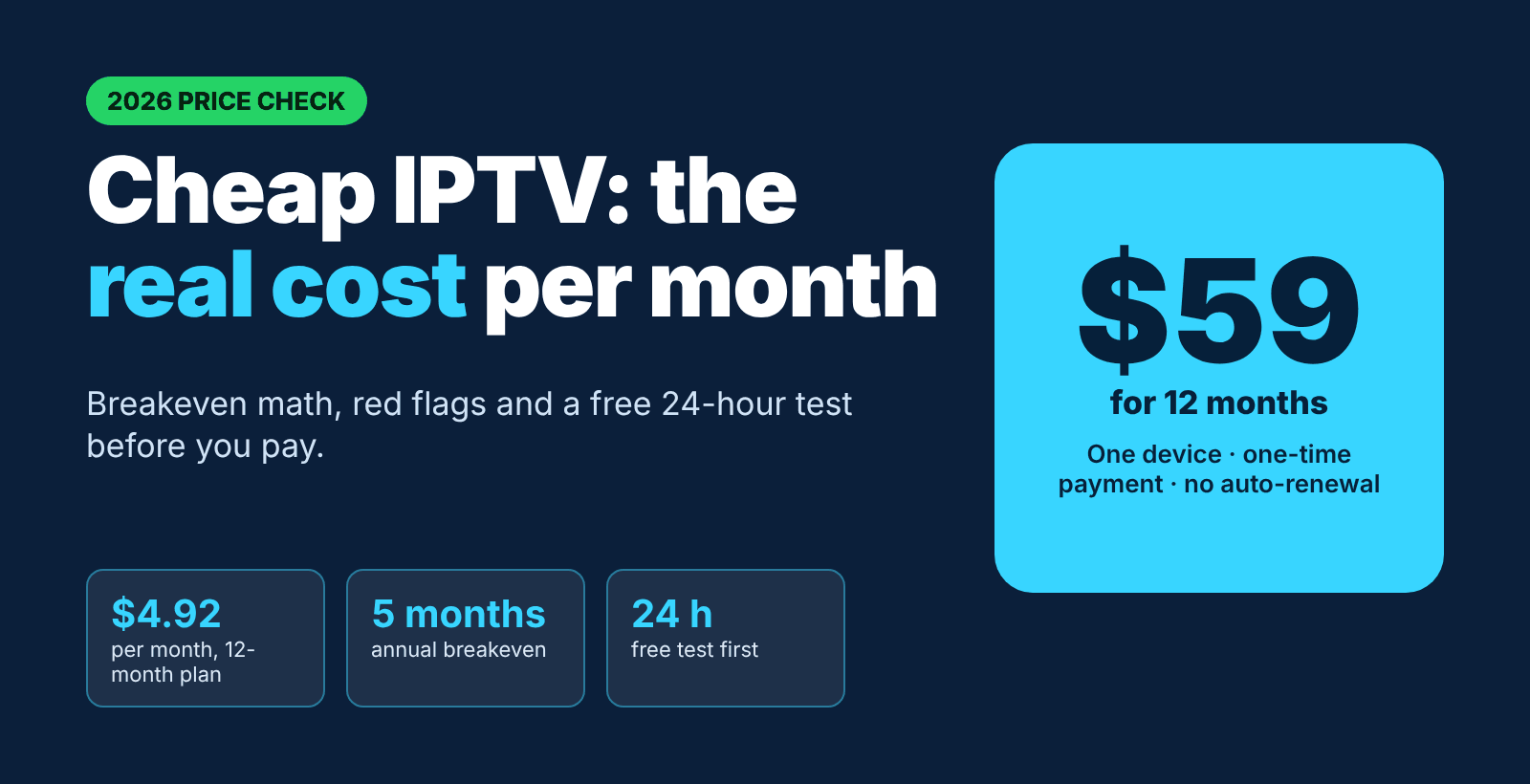
Separate the cost of the Fire TV device, any optional app licensing and the price of authorized content. IPTV Smarters is a player, not a guarantee of channel access. Check current packages, supported devices and terms on our IPTV plans and prices page.
Try IPTV on your Firestick before choosing a plan. Check player compatibility and playback during a 24-hour trial.
Start 24H trial on WhatsAppNo WhatsApp? Request trial by formSee IPTV plans & prices
Is IPTV Smarters legal in the United States?
Installing a media player is generally lawful. Whether a particular stream can be viewed or redistributed legally depends on the underlying rights and authorization. Avoid anonymous playlists that offer premium programming without evidence of licensing. Read our guide to IPTV legality in the USA.
FAQ: IPTV Smarters on Firestick
Can I use IPTV Smarters on a Fire TV Stick?
Yes, if a compatible version is available for your Fire TV model and region.
Does IPTV Smarters include free TV channels?
No. It is primarily a player; access to channels comes from an external authorized source.
Can I add an M3U playlist?
Many versions support M3U URLs. Confirm the option in the version you installed.
What if IPTV Smarters is unavailable in the Amazon Appstore?
Check official developer channels and compatible alternatives; do not download unknown APKs.
Why does IPTV Smarters keep buffering?
Common causes include Wi-Fi interference, a congested source, incompatible settings or device limitations.
Do I need a VPN?
Not necessarily. A VPN does not make an unlicensed stream legal and can sometimes reduce throughput.
How can I request a trial without WhatsApp?
Use the online trial request form.
Final checklist
Use an official compatible player, confirm content rights, secure your login, check EPG and test at peak viewing hours. If you want to compare service options, see our guide to the best IPTV service for Firestick and review the pricing and trial terms before committing.
Try IPTV on your Firestick before choosing a plan. Check player compatibility and playback during a 24-hour trial.
Start 24H trial on WhatsAppNo WhatsApp? Request trial by formSee IPTV plans & prices