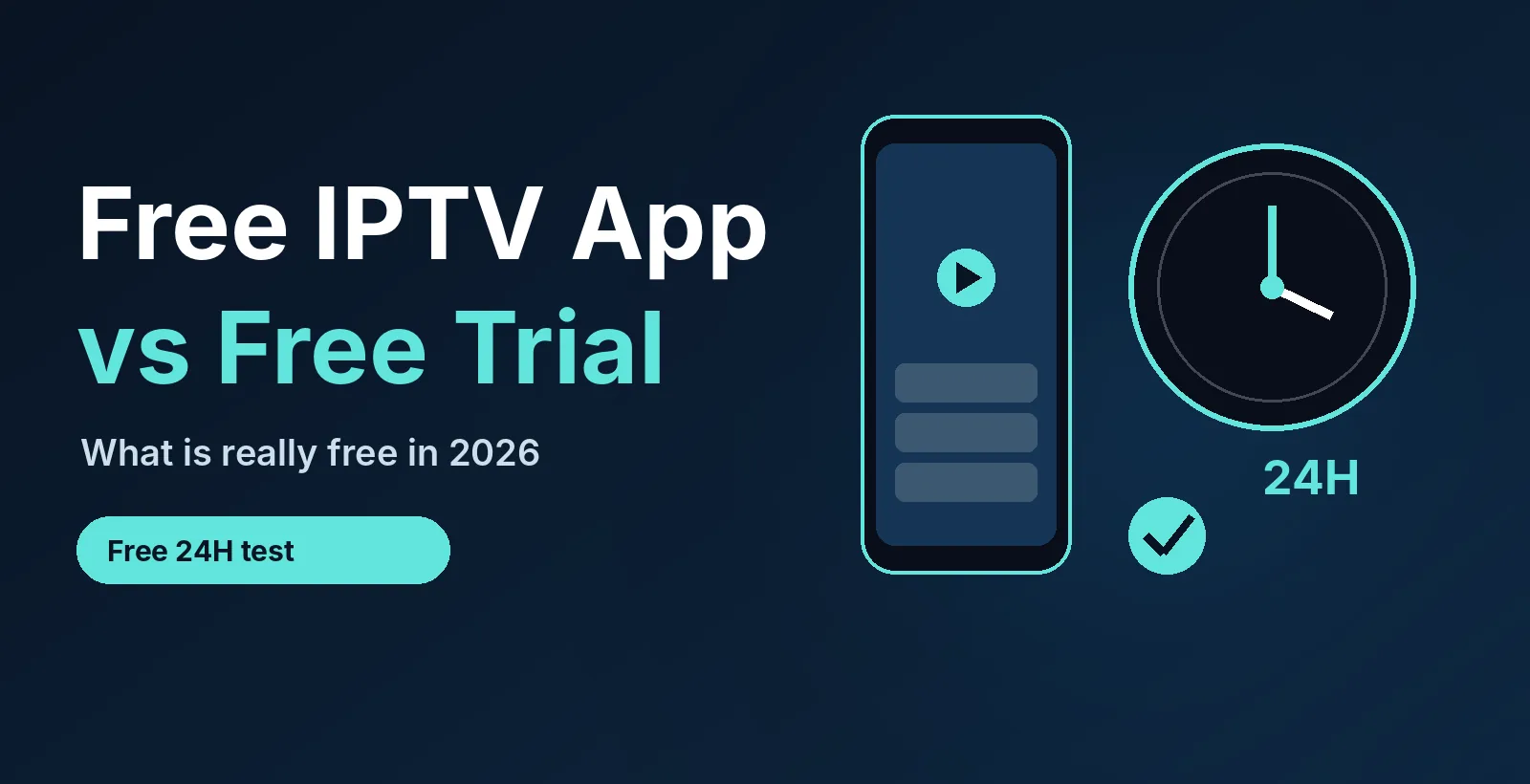
Want channels, not just an app? Try live TV free for 24 hours. No credit card. See plans from $14/month →
1. What “Free IPTV App” Really Means
People search for a free IPTV app expecting free TV. In practice there are two separate things: the app that plays video, and the content it plays. Most free apps give you the first and nothing of the second. Open one on a new device and you will see an empty screen asking for a server address, a username or a playlist link. The channels always come from somewhere else, and that is where cost, quality and safety are decided.
Understanding this saves time. If you want to know what a service is worth, you do not need to hunt for a better app. You need to test the content on an app you already trust, and the simplest way is a short free trial. Our IPTV free trial checklist covers that test in detail.
2. The Four Kinds of “Free”, Compared
| Kind of free | What you get | What is missing |
|---|---|---|
| Free player app | The software to play playlists, with a guide and favorites | All channels. You must bring your own login |
| Free trial | A real login for a short time, usually 24 hours | Long-term access. It ends unless you subscribe |
| Free ad-supported TV | Built-in channels and movies, paid for by ads | Most premium and live sports channels |
| Free playlists found online | Lists of links with no clear owner | Reliability, support and safety |
The pattern: free costs you money, time or risk somewhere. A free player is safe and useful. A free trial is the honest way to try paid content. Ad-supported TV is legitimate but limited. Random free playlists are the one to avoid.
3. Free IPTV Player Apps People Use
These are commonly recommended players. Features and pricing change with updates, so check each store listing before you install:
- IPTV Smarters (Lite or Pro): popular for simple Xtream Codes or M3U login on phones, Firestick and Smart TVs.
- VLC media player: an open-source player where you paste an M3U link under network stream (see IPTV on VLC).
- Televizo: a lightweight Android player that can hold several playlists.
- GSE Smart IPTV: a customizable player for iOS, Apple TV and Android, with a free tier that shows ads.
- Kodi with a live TV add-on: a full media center for people who like to tinker. Running a media server? See IPTV on Plex.
Compare more options in our best IPTV player apps guide, or see the device-specific pages for Firestick, Apple TV, IPTV on iPhone, Roku and Samsung TV.
Already have a player? Give it something to play. Request a free 24-hour login in the right format for your app.
4. Free Trial: What to Test in 24 Hours
A trial is only useful if you test the right things at the right time. Use this plan, which fits inside one day:
| When | Test | What a good result looks like |
|---|---|---|
| Right away | Login and channel list | Loads in under a minute with a working guide |
| Same hour | Your must-have channels | Each opens and plays without errors |
| Evening peak | A live channel for 30 minutes | No freezing or constant buffering |
| Live sports | A game or event | Steady picture, even at a busy start time |
| Before it ends | Message support | A real person answers in minutes |
Football fans can run the sports test on a Sunday with our football IPTV game-day guide, which includes kickoff times and the speed you need. For multi-sport tests, use the checklist in best IPTV for sports.
5. Why Random Free Playlists Are Risky
Public lists of M3U links look tempting, but they have three common problems:
- They break. Links die within days, so channels vanish without warning.
- They have no support. When something fails, nobody is responsible.
- Their source is unknown. You cannot tell who runs the server or how your data is handled.
If a playlist asks you to install an unknown file, turn off a security setting or enter payment details for “verification”, close it. Learn more about common playlist errors in IPTV M3U not working and the M3U playlist guide.
6. Free Legal TV Services
Free ad-supported streaming services such as Pluto TV, Tubi and Plex offer live channels and on-demand titles at no cost, with ads. They are a good first stop if you only want casual TV. They usually do not carry the premium and live sports channels that many people look for, and the lineup can change. Check each service’s current offer on its own site.
7. How to Set Up a Free App with a Trial
- Install a player from your device’s app store.
- Request a trial login. Tap the button to use WhatsApp on a phone, or the form on a computer.
- Pick the login type. Enter Xtream Codes details (server, username, password) or paste the M3U link.
- Wait for the guide to load, then add favorites.
- Run the 24-hour test from section 4 and decide.
8. What Paid IPTV Costs by the Hour
Here is a calculation that helps you judge price. A $14 month is 30 days, which is 720 hours. $14 ÷ 720 hours is about 2 cents per hour of access, and even if you watch only 3 hours a day (90 hours a month), it is about 16 cents per hour watched. PrimeStream TV 4K plans start from $14/month for one device, with longer plans and plans for up to 5 devices. See the IPTV plans page and the IPTV subscription guide, or compare the cost with cable in IPTV vs cable TV.
9. Is a Free IPTV App Legal and Safe?
A player app is normal media software. What matters is the content you load into it, because the legality of a service depends on how it licenses its channels. Read our plain-English IPTV legality guide, install apps only from official stores and use providers you trust. This is general information, not legal advice.
Related: if you are looking for free playlists rather than a free app, read our public IPTV playlist guide for safe sources and a 5-step check.
10. Frequently Asked Questions
What is the best free IPTV app?
There is no single best one. IPTV Smarters, VLC, Televizo and GSE Smart IPTV are popular players. Pick the one that supports your login type and runs well on your device.
Does a free IPTV app include channels?
No. A player has no channels of its own. You add a login or playlist from a provider, or use a free ad-supported TV service that bundles its own channels.
How can I try IPTV for free?
Install a free player and request a free trial from a provider. PrimeStream TV 4K offers a free 24-hour trial with no credit card.
Are free IPTV playlists safe?
Usually not. They break often, have no support and come from unknown sources. A free trial from a provider you can contact is a safer way to test.
How long should an IPTV trial be?
At least 24 hours, so you can test an evening peak and a live game. Shorter trials may not show how a service behaves when it is busy.
Do I need a credit card for a free trial?
You should not. Be careful with any trial that asks for card details before you have seen the service work.
How much does IPTV cost per month?
PrimeStream TV 4K plans start from $14/month for one device, with longer plans and plans for up to 5 devices on the plans page.
11. Conclusion
A free IPTV app is only half of the answer, because the channels have to come from somewhere. Use a trusted free player, test real content with a short trial, and skip random playlists. Start your free 24-hour trial, then compare plans from $14/month. For more, read IPTV service, IPTV channel list and best IPTV in 2026.
Test it yourself. Free for 24 hours, no credit card.
Start your free 24h trial
No credit card. We reply with your trial login.